
Friday, 18 March 2011


Thursday, 17 March 2011
Magazines that inspired features in my magazine


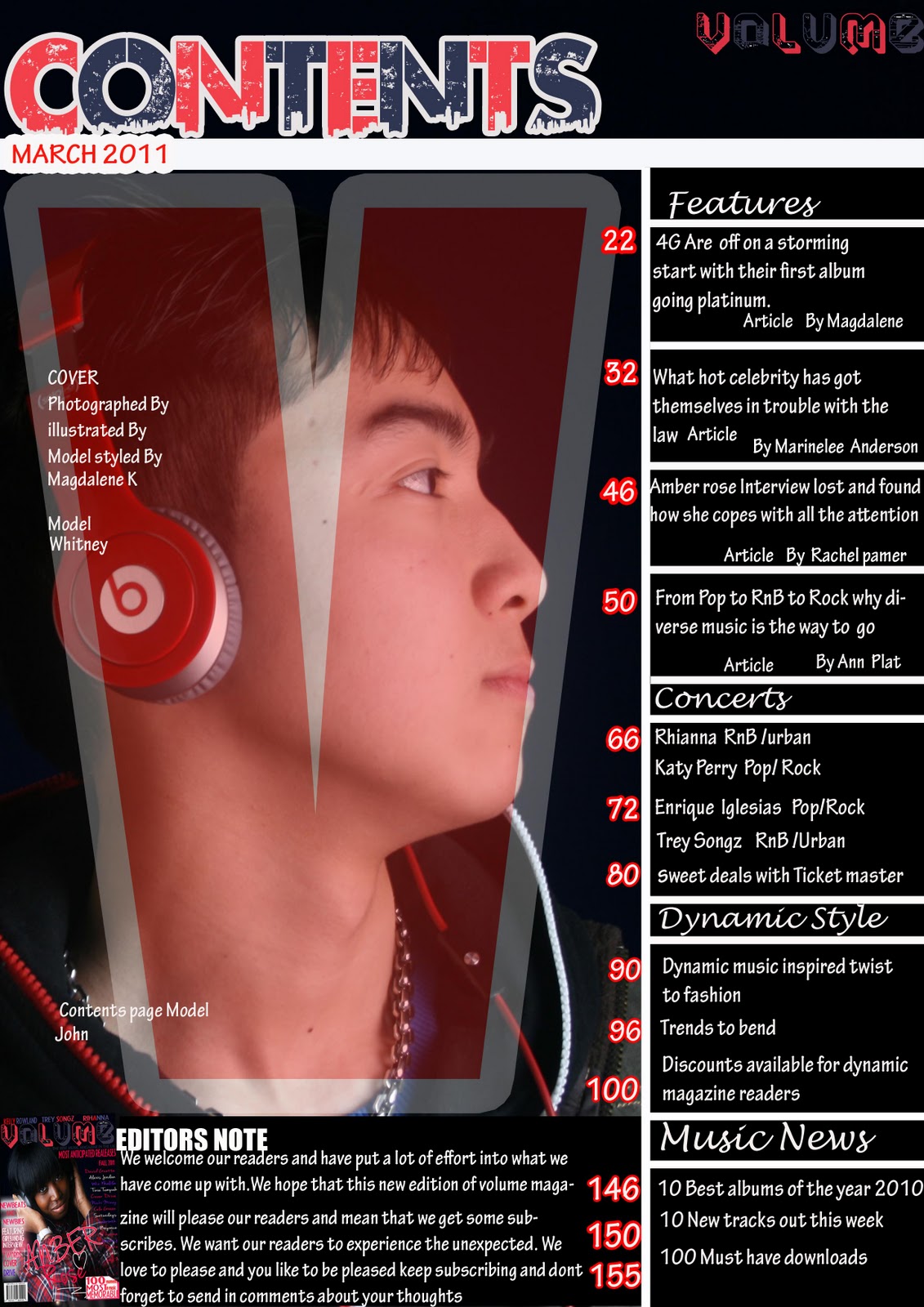
I took inspiration from these four magazine and used certain aspects for each of the three products I created. These are what I looked at to create drafts for the music magazine.
Costume Makeup Props and Accessories
COSTUME
I thought of ideas of costumes that the models for the magazine may wear and this is a moodboard/collage of what some of those may be I opted for a more relaxed laidback and stylish look that teenagers will relate with I put single pictures together to make a couple of good looks for the magazine I will call 'VOLUME'.Athough the outfits shown hear are the female versions of them for the male models they will wear the male versions of the costumes displayed in the collage/moodboard.

MAKE UP.PROPS.ACCESSORIES
For the next section I thought of the type of makeup that the models for the magazine would wear and hear are the things I came up with apart from make up I thought of props and accessories that may be useful.

Tuesday, 15 March 2011
Using an apple mac
I was a PC user beforeI started this project and during the course of the project I begun to use a mac and certain things were different with a mac there is no right click and therefore those feautures like copy and paste etc. To do that on a mac to copy I would have to click cmd c and to paste I would have to click cmd v.
On the Mac however if you are using photoshop you cant use the comands either to copy and paste. you would have to duplicate the layer and then do what you want to do.
So to know how to do certain things I would be able to on PC but couldn't do the same way on the Mac I looked for tutorials on youtube here ae two of those I looked at which I found helpful.
On the Mac however if you are using photoshop you cant use the comands either to copy and paste. you would have to duplicate the layer and then do what you want to do.
So to know how to do certain things I would be able to on PC but couldn't do the same way on the Mac I looked for tutorials on youtube here ae two of those I looked at which I found helpful.
Using Photoshop 2
This enabled me to play about with text for my magazine as I felt the text options available on photoshop isn't as modern apart from this I got some text from dafont.com
The lasso tool
I also found that using a lasso tool is useful and allows you to effectively select and move certain areas of an image etc.
Subscribe to:
Posts (Atom)